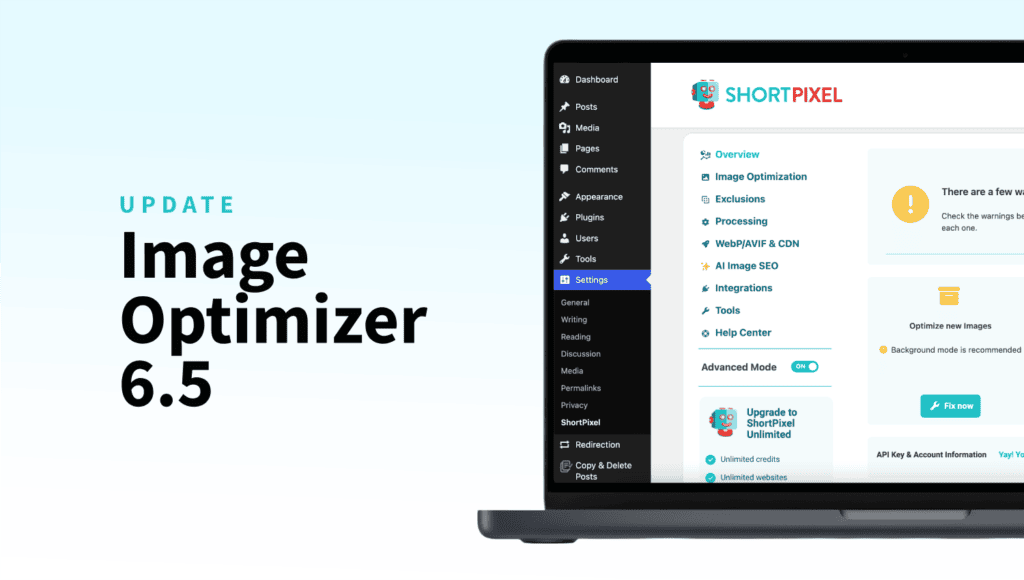
ShortPixel Image Optimizer 6.5.0 Update

Managing image backups generated during optimization shouldn’t eat up your disk space. And AI-generated SEO data shouldn’t feel out of control.
The new update is officially live, and it tackles both, plus a long list of compatibility fixes, stability improvements, and quality-of-life upgrades.
Here’s what’s new in this release!
What’s new
A handful of brand-new features that change how you work with backups and AI inside ShortPixel.
Smart Backups
Until now, ShortPixel backed up every image variant, originals plus all the thumbnails WordPress generates. Safe, but heavy on disk space.
Smart Backups change that. Only the main image gets backed up, and thumbnails are automatically regenerated based on the main image when you restore. Same safety net, much lighter footprint, a lot less disk space used.
Automatic Backup Cleanup
This new option allows you to automatically delete old backups after a chosen period, so storage never gets out of control. Set it once and forget about it.
Consistent prefix/suffix for AI SEO data
If you’re using the AI Image SEO feature to generate alt text or image SEO data, you can now add fixed text before or after the AI SEO data.
Want every alt text to end with “| Your Brand Name”? Or start with a category prefix? It’s now built in, keeping your AI-generated SEO data consistent across the whole site.
Custom Media re-optimization
Re-optimize images directly from Custom Media bulk actions, without needing to add your custom media folders again.
Custom Media pagination
New pagination controls make it much easier to navigate large media sets in Custom Media.
Improvements you’ll notice
Beyond the new features, we’ve polished a lot of details across the plugin.
- Smarter title replacement: When overwrite protection is enabled, image titles are only replaced with AI-generated ones if they haven’t been manually edited. Your manual edits stay safe.
- Better error messaging: The “401 Unauthorized” message in the AI SEO Preview is now clearer about what’s happening and what to do next.
- Improved PNG handling: PNG to JPG conversion now handles alpha channels much better, with cleaner results on transparent images.
- AI context limits: Added proper limits to AI context fields to prevent truncation issues.
- Bulk stability: Slight delays added to Media Library bulk actions to prevent server overload during large optimization jobs.
- Smarter paused processing: Restoring an item now cancels any paused processing, so nothing runs in the background unnecessarily.
- UI polish: Improved text clarity and layout across settings, bulk processing, and the ShortPixel panel inside wp-admin.
Compatibility updates
We’ve also made ShortPixel play nicer with several plugins you might already be using.
- NextGen Gallery (Imagely): Integration is restored, using updated hooks and filters.
- AI with EXIF restrictions: AI generation now works even when EXIF blocks training, using alternative data retrieval methods.
- Offload Media support: Improved compatibility with offloading plugins, including full support for the new Smart Backups feature.
- Enable Media Replace: Image SEO data is now cleared when an image is replaced, so you don’t carry old metadata into a new image.
- WPML support: You can now manually generate AI SEO data in different languages, perfect for multilingual sites.
Behind-the-scenes fixes
Multiple improvements to backup reliability, queue stability, database performance, and frontend behavior. The highlights:
- Backup system refactor: Multiple edge cases fixed, with improved reliability across all backup scenarios.
- Database optimization: Added indexes for the aipostmeta table for better performance.
- Queue stability: Blocked items now release properly on shutdown, so no more stuck processes.
- JS & jQuery fixes: Resolved deprecation warnings and improved frontend stability.
Plus smaller fixes around long-processing safeguards, alias API key handling, AI disabled message cleanup, and filesize-based exclusions.
Why this update matters
Smart Backups alone is a reason to update. If you’re running a site with thousands of images, the disk space you’ll save is significant, and you’ll still have a full backup system protecting you.
You get more control over your backups, with automatic cleanup that handles housekeeping for you. You get more control over AI-generated SEO data, with consistent prefixes and suffixes that keep your site’s voice unified. You get more control in multilingual setups, thanks to WPML support. And you get fewer surprises, with cleaner error messages and a more reliable backup system underneath everything.
That’s the kind of update that makes ShortPixel quietly better at the things you do every day!
Update now
Head into your WordPress admin, go to Plugins, and update ShortPixel Image Optimizer to the latest version. If you have automatic updates enabled, you might already be running it.
Once you’re on the new version, take a few minutes to:
- Enable Smart Backups in your settings to start saving disk space immediately.
- Set up Automatic Backup Cleanup rules so old backups don’t pile up.
- If you’re using AI SEO features, add your prefix/suffix if needed!
Update now and start saving disk space with Smart Backups, while keeping full control over your image SEO and workflow.
Try ShortPixel on WordPress for free!
Easily optimize your pictures in bulk using ShortPixel Image Optimizer.