Introducing ShortPixel Image Optimizer for Mac

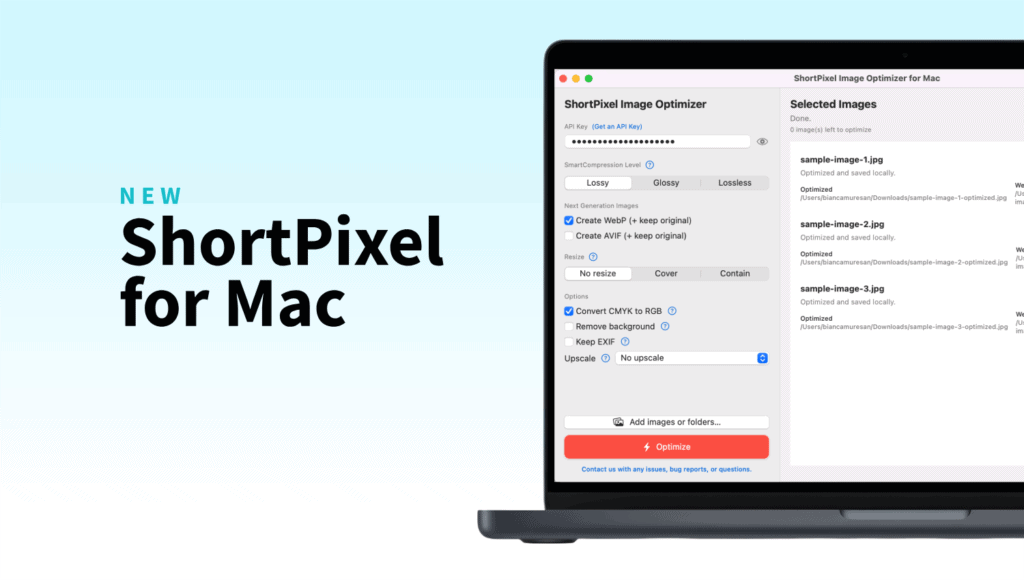
If you’ve been using ShortPixel for your website, you already know it’s your best friend when it comes to making images faster, lighter, and more efficient.
Now we’re bringing that same magic straight to your desktop.
ShortPixel Image Optimizer for Mac is officially here, and it’s exactly what a lot of you have been asking for: a clean, native macOS app that compresses and converts your images without ever opening a browser.
No plugins. No command line. No uploads to a web tool. Just drag, drop, and optimize.
Where to find it
Head over to the Products page, download the Mac app, drag it into your Applications folder, and you’re good to go.
On first launch, just paste in your ShortPixel API Key (you’ll find it in your ShortPixel Dashboard) and the app is ready to work. If you don’t have an account yet, the free plan gives you 100 image credits per month to test things out.
What’s inside
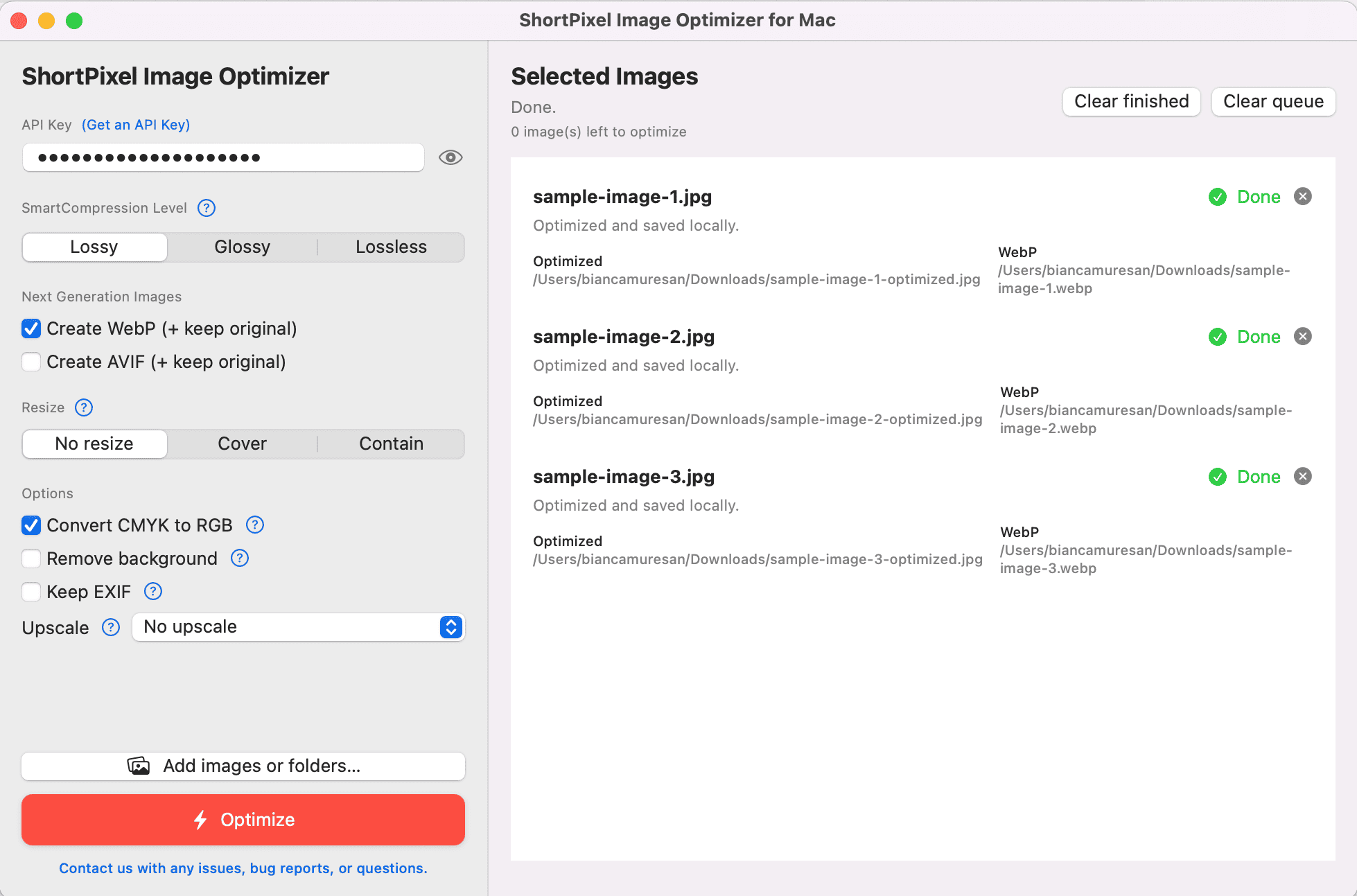
We packed the essentials into a super clean interface:
- SmartCompression levels: Choose between Lossy, Glossy, or Lossless depending on how you want to balance file size and quality. Same SmartCompress™ technology that powers our WordPress plugin and API.
- Next-gen formats: Generate WebP and AVIF versions right alongside your originals, with a single checkbox.
- Resize options: No resize, Cover, or Contain. Perfect when you need everything at a specific dimension without opening another app.
- Convert CMYK to RGB: A lifesaver when you’re prepping print-ready assets for the web.
- Remove background: One click and the background is gone.
- Keep EXIF: Choose whether to preserve metadata or strip it.
- Upscale: Need smaller images bigger? The app can handle that too.
- Folders welcome: Drop a single image, fifty images, or entire folders. The app handles everything.
How it works
It’s super straightforward. No complicated setups, no hidden menus.
- Open the app.
- Paste your API key.
- Pick your compression level and options.
- Click Add images or folders.
- Hit Optimize.
That’s it. Your optimized files are ready, with the same ShortPixel quality you already know and love.
Why it matters
You don’t always work inside WordPress. Sometimes you’re:
- Exporting web assets from Figma, Sketch, or Photoshop and want them optimized before they ship.
- A photographer prepping client galleries without cooking your laptop fans.
- A blogger or content creator getting images ready for Ghost, Webflow, Notion, or any other platform.
- A developer who just needs a quick local tool outside of a build pipeline.
- Running an agency that handles images across all kinds of client setups.
Whatever your workflow, the Mac app fits right in. And the best part? If you’re already a ShortPixel user, your existing credits work here too. One plan, all our tools.
Let’s build it together
Your input shapes the future of ShortPixel. Got ideas, requests, or feedback about the Mac app? Send them here and help us make it even better!
Here’s to faster websites, lighter folders, and one less browser tab.
Try ShortPixel on Mac for free!
Easily optimize your pictures and cut down pixels fast using ShortPixel Image Optimizer for Mac.