How WooCommerce Stores Can Level Up With ShortPixel’s New AI Image Tools

Running a successful WooCommerce store is all about giving visitors a smooth experience from the moment they land on your site.
Speed matters. Presentation matters. Image quality matters even more. With the latest ShortPixel Image Optimizer 6.4.0 update, you now have a set of AI features that help you deliver better product visuals without leaving WordPress.
If you rely on product photos, lifestyle shots, or user-generated images, this update can make a real difference in how customers perceive your brand.
AI upscaling for sharper product photos
WooCommerce stores often deal with images coming from different sources. Some suppliers send photos that look great on a phone but fall apart on bigger screens. Others provide small images that lose clarity when cropped.
With AI Image Upscaling in the latest version, you can instantly breathe life into low-resolution assets. Upscale images by 2x, 3x, or 4x while keeping edges clean and details sharp.
This helps your product pages look polished across all screen sizes and reduces the risk of cart abandonment caused by poor visuals.
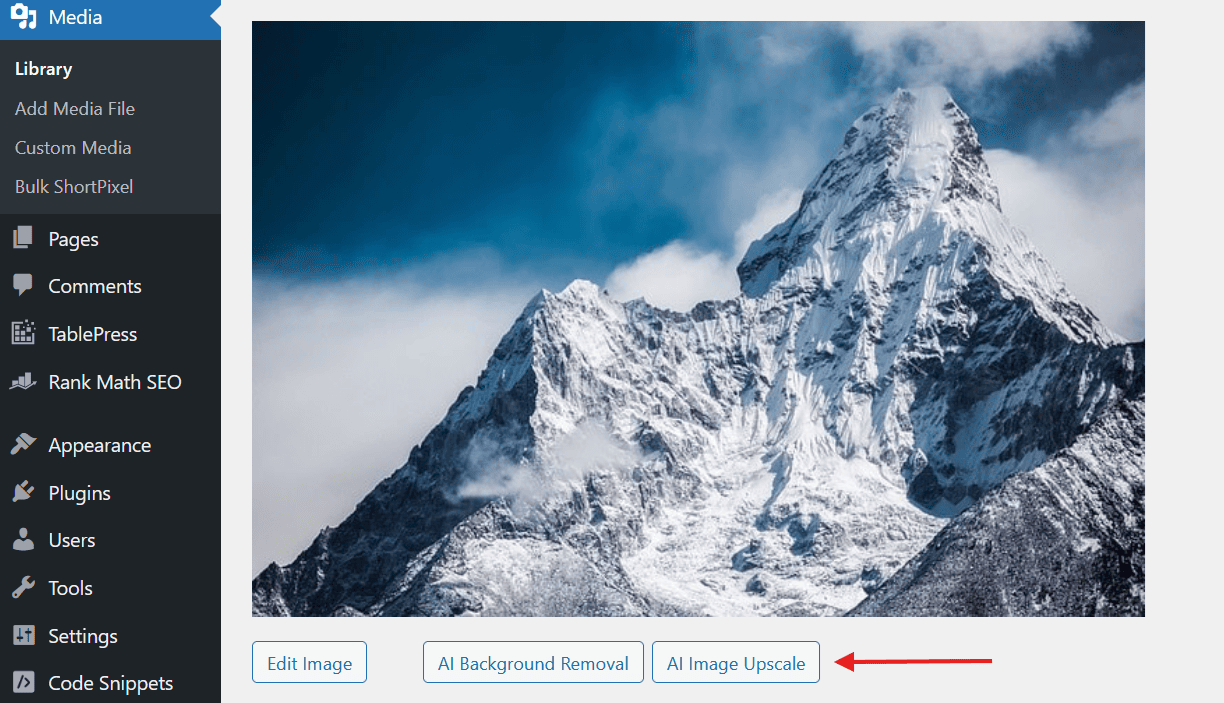
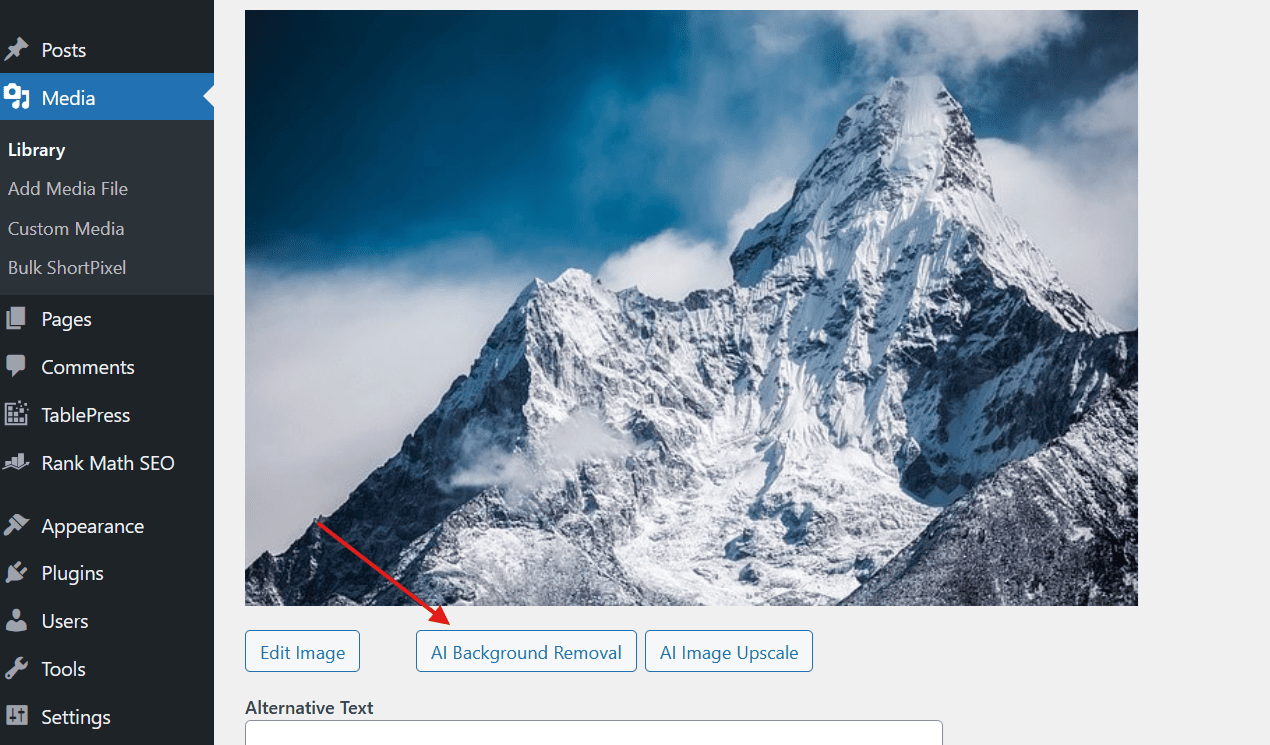
All you do is open any image in Media, hit the AI Image Upscale button, adjust the settings, and let SPIO handle the rest.
AI background removal made for product pages
Clean product photography converts better. It’s that simple.
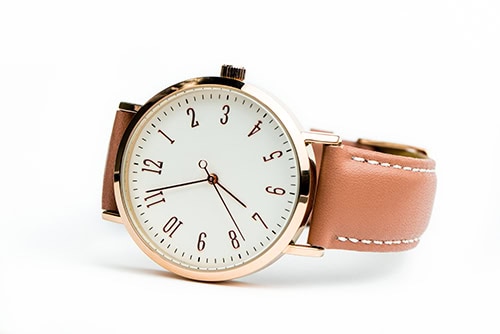
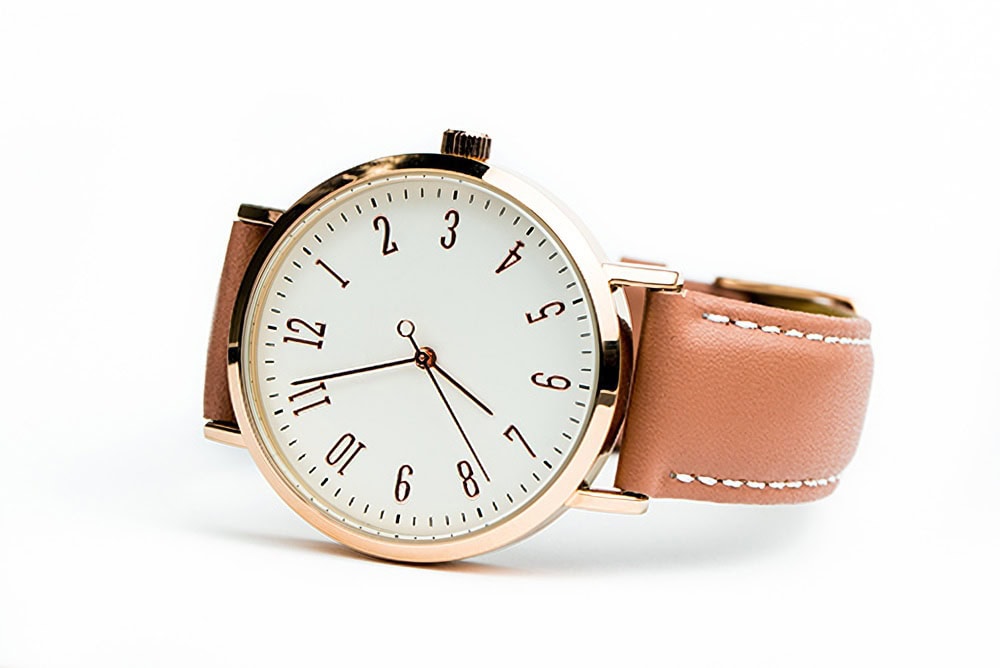
It keeps the focus where it matters and creates a consistent look throughout your catalog. The new AI Background Removal tool lets you remove distractions with a single click.
This is ideal for:
- Replacing supplier images with professional-looking cutouts
- Creating transparent PNGs for landing pages or marketing banners
- Standardizing your product gallery
Just open the image in your Media Library, choose the background removal option, adjust the settings, and save the new image.
Better accessibility for all shoppers
Accessibility plays a big role in both user experience and SEO. Screen readers rely on accurate ALT text to describe product photos. Without it, your storefront becomes harder to navigate for visitors with visual impairments.
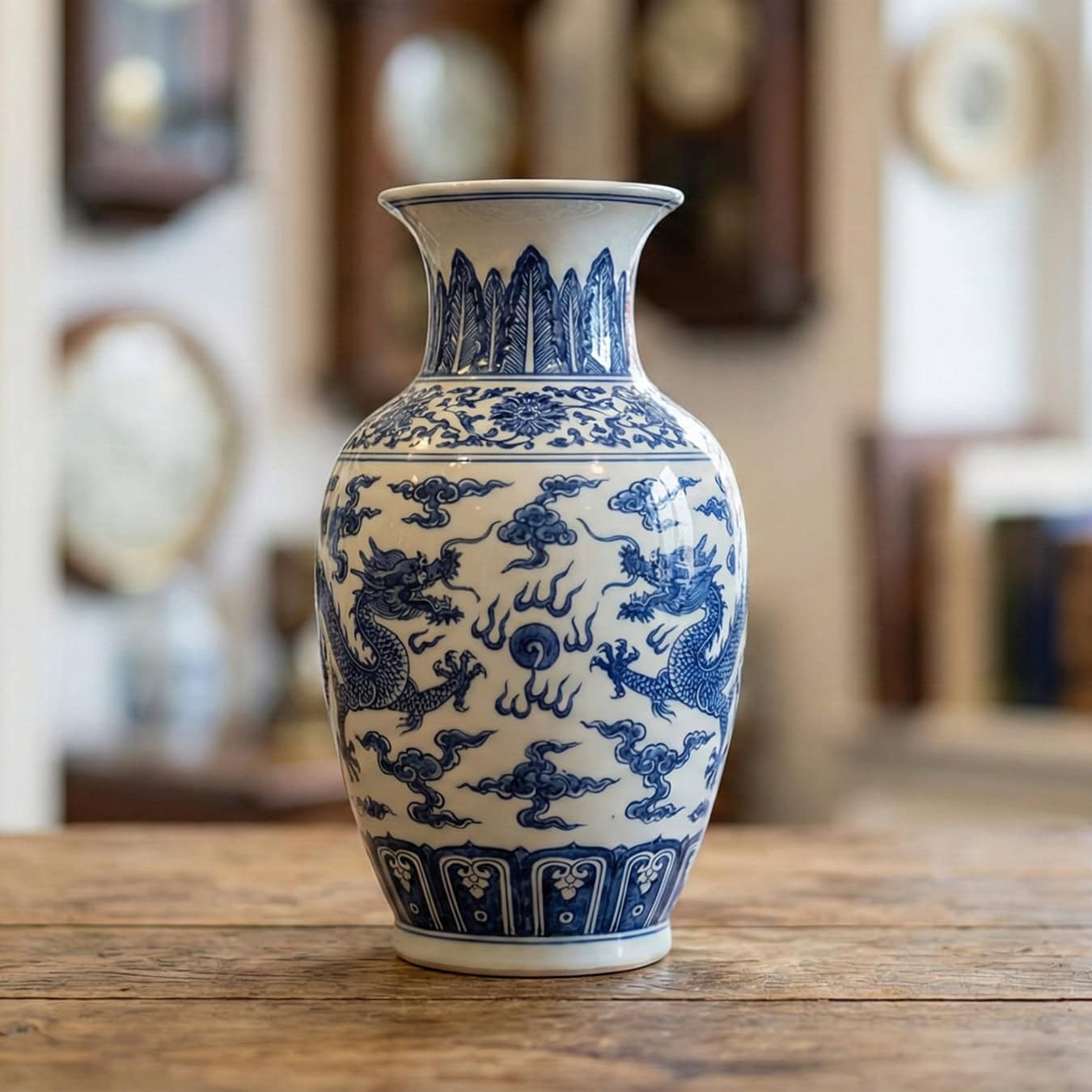
AI image SEO fills these gaps automatically. Instead of vague file names or empty fields, shoppers get helpful descriptions like “brown leather backpack with silver buckles” instead of “image-1”.
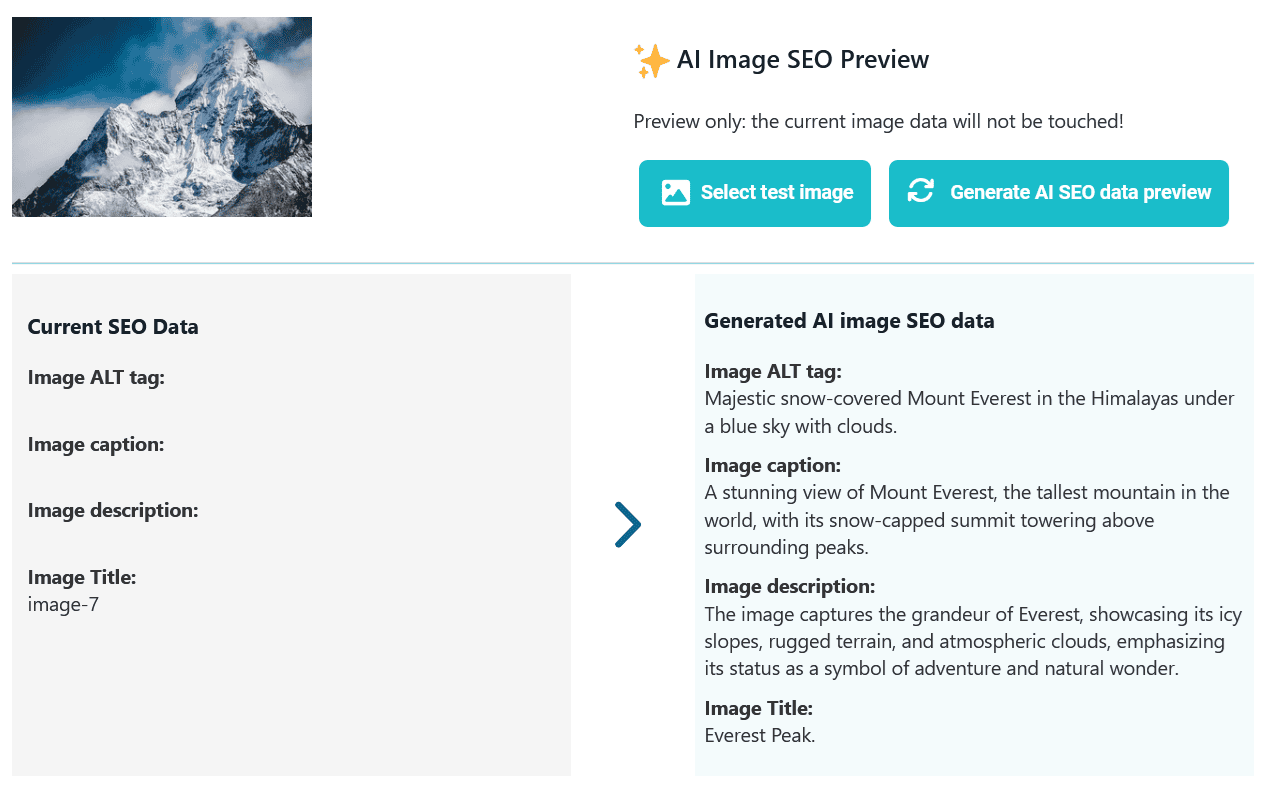
Clear text helps your audience understand what they’re buying, even when they can’t see the image clearly.
Perfect for stores with large media libraries
Most WooCommerce stores don’t just upload a handful of images. They upload in bulk: new collections, seasonal products, user-submitted content, or supplier photos.
ShortPixel supports full bulk processing so you can optimize and generate SEO data for your entire library in one run. If you’re cleaning up years’ worth of images, this can save hours of manual editing.
For new uploads, the process is fully automated. You don’t have to think about it again.
A faster store with better images
These new AI features help WooCommerce owners maintain consistency, improve SEO, and speed up page loads without learning photo editing software.
Everything happens in your WordPress dashboard, which saves time and helps you maintain a professional look throughout your catalog.
If you want sharper previews, cleaner backgrounds, and better search visibility, update to ShortPixel Image Optimizer 6.4.0 and try the new tools on a few product photos.
The difference is immediate.
Ready to optimize your WooCommerce images?
Boost your site’s speed and image SEO efforts instantly.