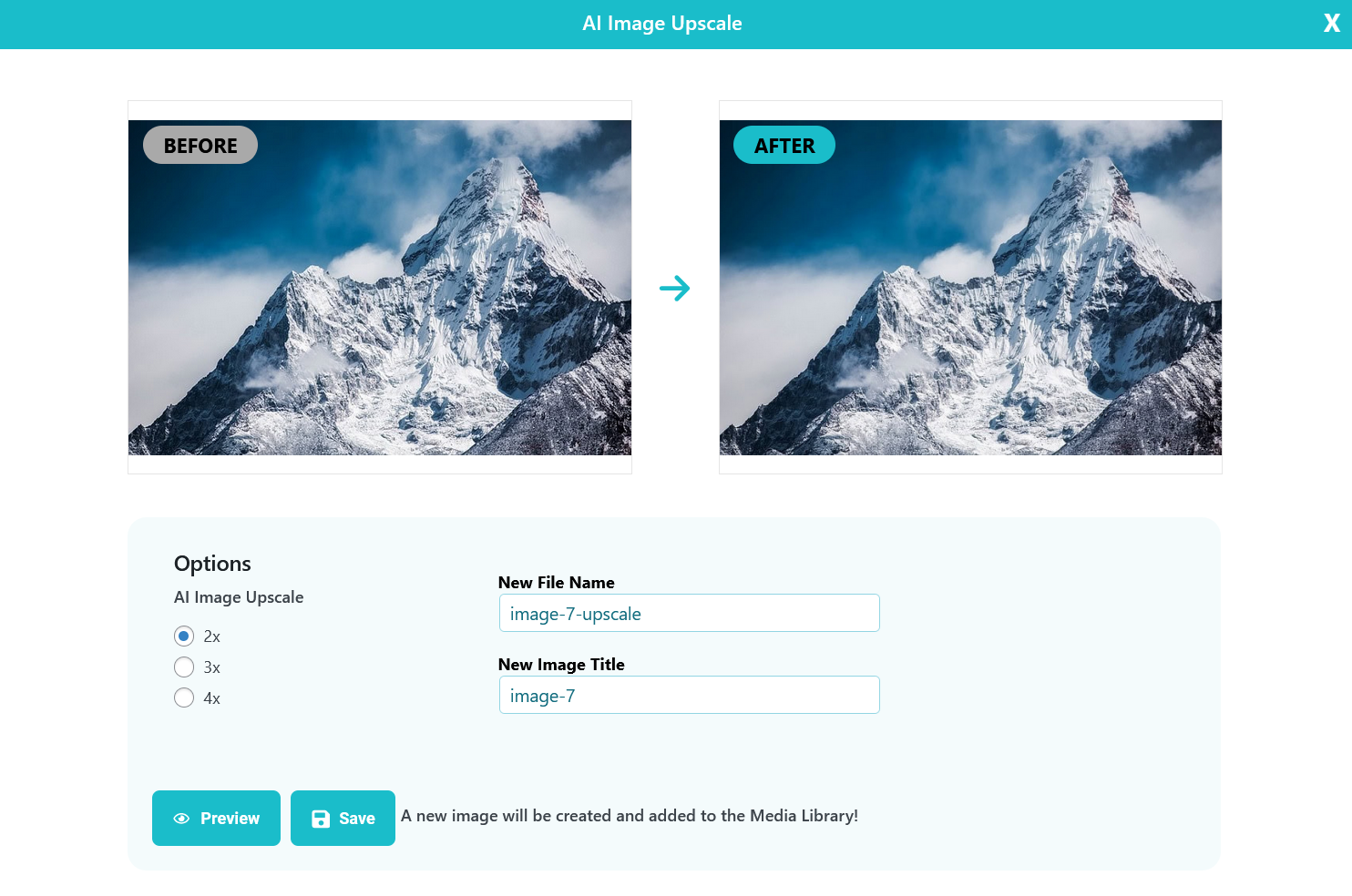
Our AI model can upscale images by 2x, 3x, or 4x. The result is a sharper, high-quality version that looks great on retina displays and other high-resolution screens.
AI Image Upscaling is included in all plans, including One-Time and Unlimited.
How to use it? #
If you’re using ShortPixel Image Optimizer, you can upscale any image with an original resolution of up to 1000×1000. Just follow these steps:
- Open your Media Library and switch to List View.
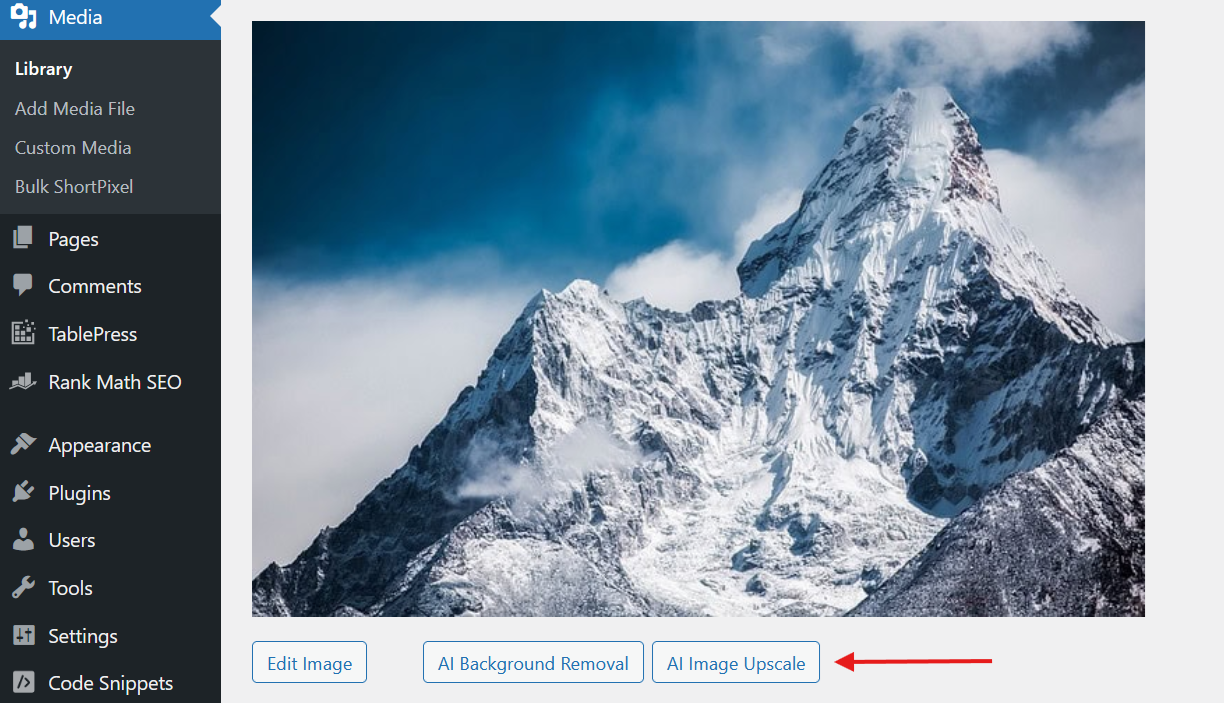
- Click the image you want to upscale.
- Select AI Image Upscale below the image.
- Choose your settings, preview the result, and save.
Your image will be automatically optimized and upscaled. It may look identical at first glance, but the resolution is actually higher based to the option you chose(2x, 3x, 4x).
Images larger than 1000×1000 can also be upscaled, although the 4x option may not be available for them.